


In interface development, beyond technical and visual aspects, language plays a decisive role in the user experience. Every piece of text that appears on screen is a design decision that can either facilitate—or block—access to information. In this sense, UX Writing not only contributes to the clarity and coherence of the system, but it is also a key tool for ensuring accessibility.
When designing for inclusion, it is not enough to comply with WCAG (Web Content Accessibility Guidelines) standards or to ensure that an interface is navigable and functional. It is important to assess whether the texts are comprehensible to individuals with different cognitive abilities, whether the messages guide the workflow without causing friction or ambiguity, and whether the help components are formulated with empathy, among other aspects.
In this article, we explore why UX Writing is much more than a way to communicate a message. UX Writing is a resource that facilitates user actions, helps solve problems, and builds trust.
The Influence of UX Writing on Accessibility
Digital products use text to guide individuals while navigating a digital environment or website. Poor or confusing information architecture worsens the user experience, making it harder to understand the system and generating frustration.
This issue becomes more pronounced in cases of visual or cognitive disabilities. When a person requires the support of technologies such as screen readers or voice synthesizers, poorly structured content becomes a barrier that prevents use of the system and excludes users.
Today’s devices offer a complex variety of accessibility options. These allow them to read textual content, as well as images, graphics, tables, or files, provided they are properly tagged and include textual descriptions. They are capable of modulating words according to accentuation and adjusting intonation based on phrases and pauses, which makes it essential to pay attention to elements such as spelling, syntax, punctuation, and structure.
The POUR Model
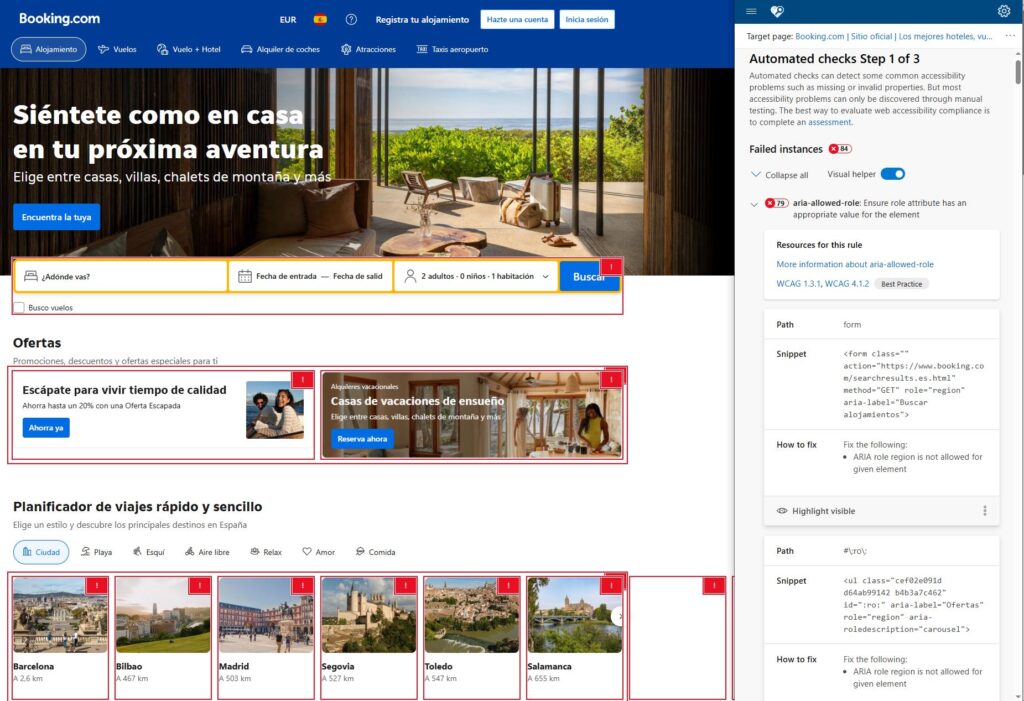
The POUR model (Perceivable, Operable, Understandable, and Robust) is part of the Web Accessibility Guidelines or WCAG. This approach advocates for the creation of content that can be perceived through different sensory channels, that functions in environments without a mouse or touchscreen, that uses clear language, and that remains usable when accessed through different present and future technologies, including assistive technologies.
Altogether, this framework implies writing with the user’s cognitive load in mind, as well as the trust and security conveyed by consistent terminology and a clear hierarchy. Ambiguous, inconsistent, or visually dependent language worsens accessibility and user autonomy, hindering smooth interactions and creating usability barriers.
Implementing the POUR model goes beyond applying a checklist of writing requirements. It involves designing consciously, recognizing that content must work in adverse conditions, with diverse technologies, and for people who read, navigate, or think in very different ways.
Content Design and Plain Language
Writing accessible text begins with good structure. Organizing information into logical hierarchies, using clear headings, and maintaining linear navigation enhance the understanding of the entire system, allowing screen readers to navigate between sections with ease.
Avoiding large blocks of text and including contextual clues such as breadcrumbs or tooltips also helps users orient themselves within the digital environment.
Consistency in tone and language is another key element. Using the same wordconsistently to refer to a specific action or element reduces ambiguity and reinforces familiarity with the system. UX Writing seeks to leave behind jargon, technical terms, and ambiguous expressions. Instead, it promotes the use of short phrases, active voice, and clear, direct vocabulary.
Accessible Interfaces: Empathy and Inclusivity
Writing with empathy means assuming that each person interacts with products and services from a different mindset. It’s not just about writing well, but about thinking about how the user feels when interacting with an interface: whether they find answers to their needs, whether they understand what’s happening, or whether they feel supported.
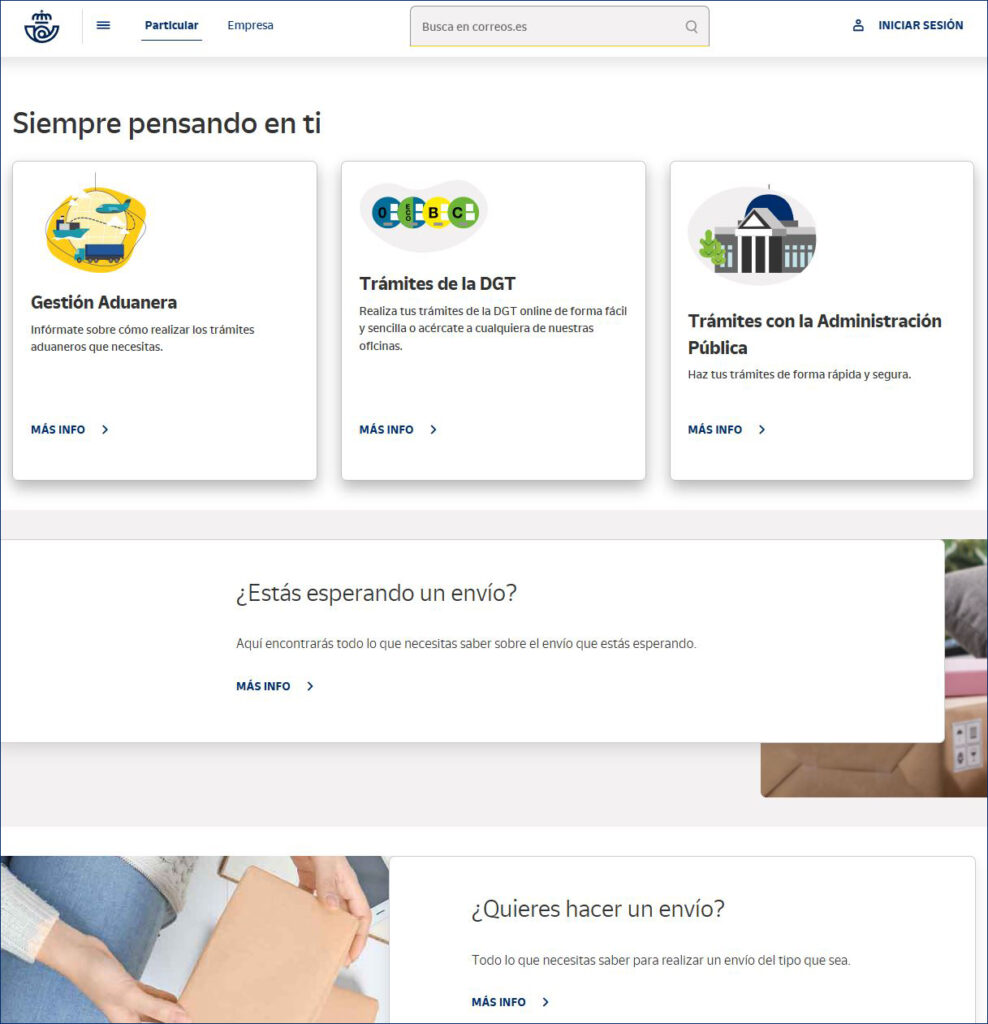
In this sense, descriptive labels and image alternative texts are the foundation that allows assistive technologies to interpret content and offer a pleasant and functional experience to as many people as possible.
Inclusive language reinforces this same purpose, advocating for neutral writing that avoids stereotypes and does not assume a person’s identity or abilities. Recognizing that each user consumes content differently is the first step toward writing information that is respectful and understandable for everyone.
AI Applied to UX Writing
The incorporation of AI into the field of UX Writing is redefining content and experience design. This tool is capable of processing a large amount of information about cultural and usage contexts, enabling it to propose solutions tailored to different user profiles.
Through fast generation of texts for prototyping and the execution of A/B tests, its use is helping accelerate processes without compromising the human-centered focus. It is already possible to adjust the tone of messages to the emotional state or specific context of the user, facilitating more empathetic interaction. Moreover, by working without personal biases, AI can detect ambiguities, non-inclusive language, or unclear structures that might go unnoticed by a person.
To all this, we must add its benefits in smart content translation. This turns into the ability to preserve the original intent of the message and respect the cultural and linguistic particularities of each individual.
Do You Have Questions About Accessibility and UX Writing?
If you want your digital product to be accessible to as many users as possible, at GammaUX, we have usability experts who can help you design inclusive and effective interfaces. Write to us with no obligation, and we’ll advise you on how to improve your product or service.
We design with empathy and clarity so that every person feels heard and understood—without exception.